How to access Privado's Knowledge Base
Last updated: October 26, 2026
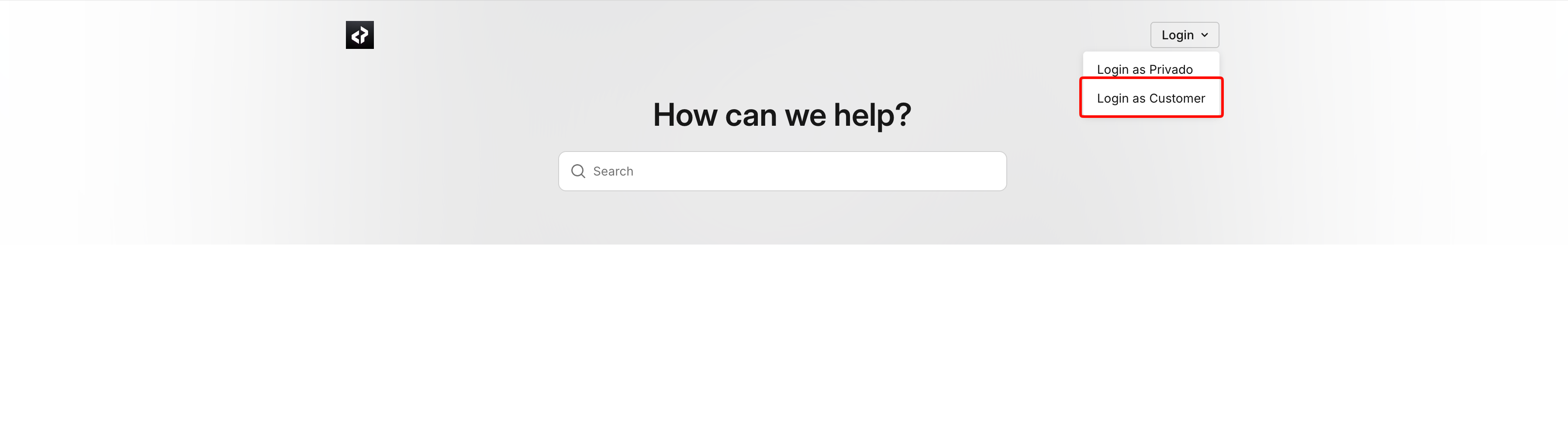
Click on Login on the top right corner of the screen.
Select Login as Customer.
On the login page, add your email and click on Send Code.
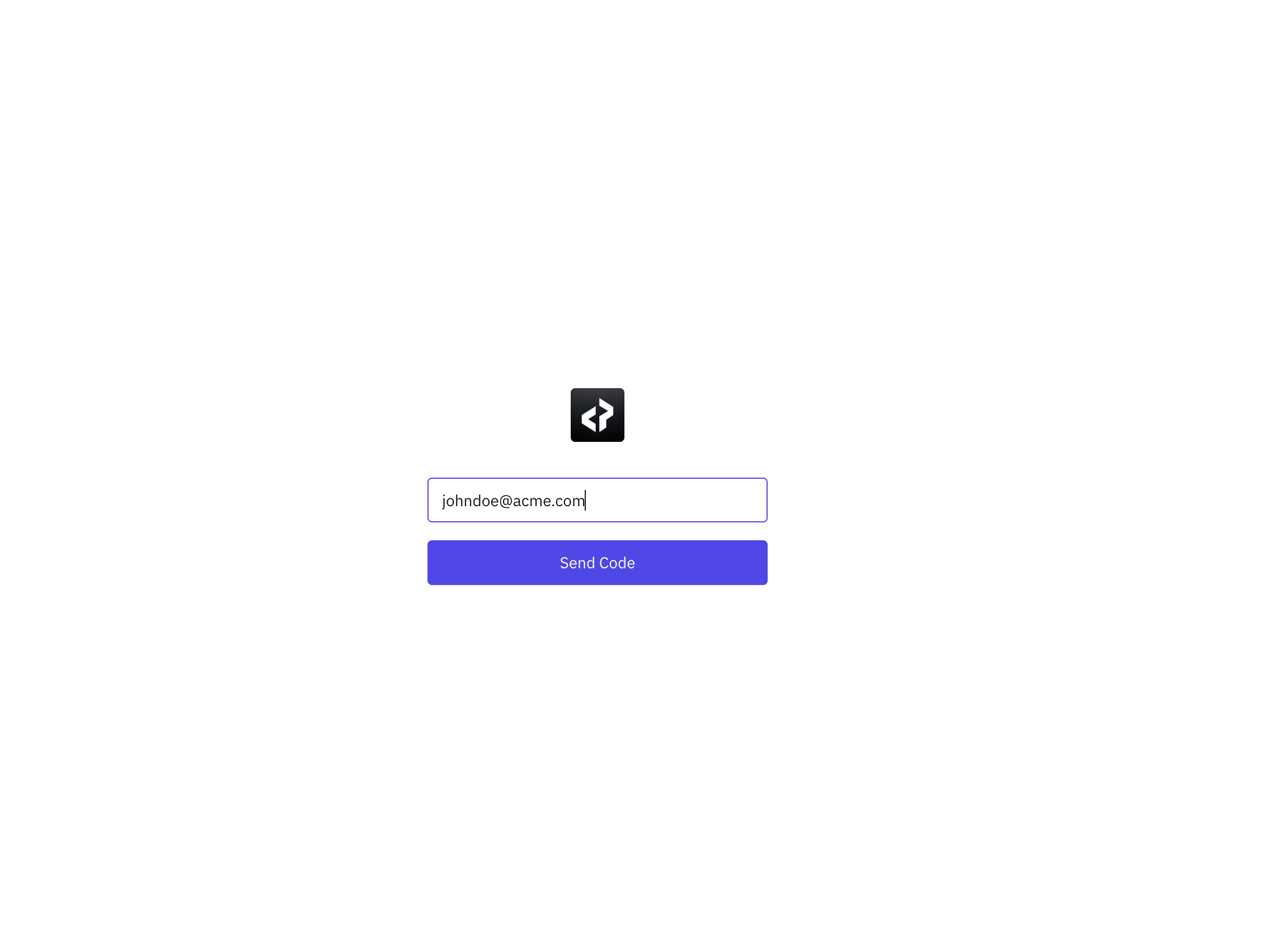
Check your email for the code and add it here.
If you have access to the knowledge base, you should be able to view the articles. If you receive an error, then reach out to Privado Support to get yourself access to the knowledge base.